Dishwasher
How to Reset a Dishwasher Safely: Model-Manual Checklist
Dishwasher reset steps differ by brand and model; use the manual, note error codes, and avoid electrical or panel work.
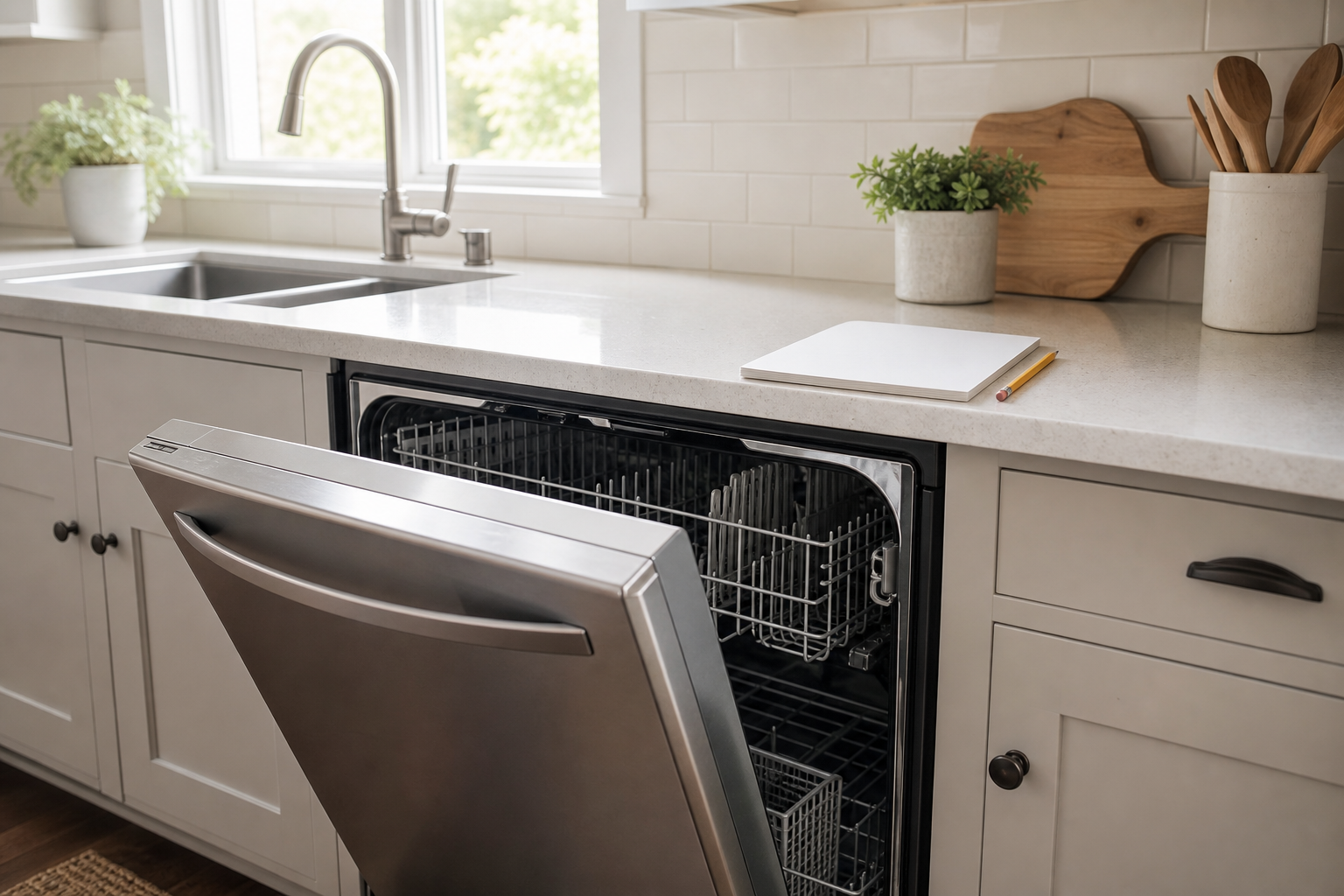
Reset the dishwasher using its model instructions
Reset methods vary. First record the model and any error code; a reset may clear a control interruption but does not repair a leak, burning smell or recurring fault. Do not continue if water is near electrical parts or there is smoke or a burning odor.
Check before resetting
- Check the manual for control lock, delay start, door closure and the model's cancel or reset button. Document the lights and when the problem occurs.
- If the manual directs a cancel/drain cycle, select it and allow the cycle to finish. Do not open panels or disconnect a drain hose.
- If the manual calls for a power interruption, consult its complete instructions and contact the manufacturer or a qualified technician if access or the procedure is uncertain. Never reach into a wet cabinet or move the appliance to reach a connection.
- If the error returns, stop repeated resets and contact service with the code and model.
For example, Bosch describes holding the marked Reset 4 Sec. or Start button for approximately four seconds on its illustrated controls, waiting for the drain to finish, then opening the door and pressing On/Off. Use that sequence only if it matches your model’s manual and panel. Whirlpool’s guide describes a different sequence that includes a power interruption; consult its complete instructions for applicable models. Other machines and instructions differ.
Sources
- Bosch: How to Reset the Dishwasher — example control and drain sequence; accessed October 27, 2026.
- Whirlpool Product Help: Resetting the Dishwasher's Controls (Cycle Power) — applicable Whirlpool sequence and drain/power steps; accessed October 27, 2026.
Related guides
- If this separate topic applies: Water in an idle dishwasher