Faucet & Sink
Moen Kitchen Faucet Battery Change: Safe Homeowner Checks
For battery-powered Moen kitchen faucets, identify the control box and battery pack, follow the model manual, and stop before wiring or valve work.
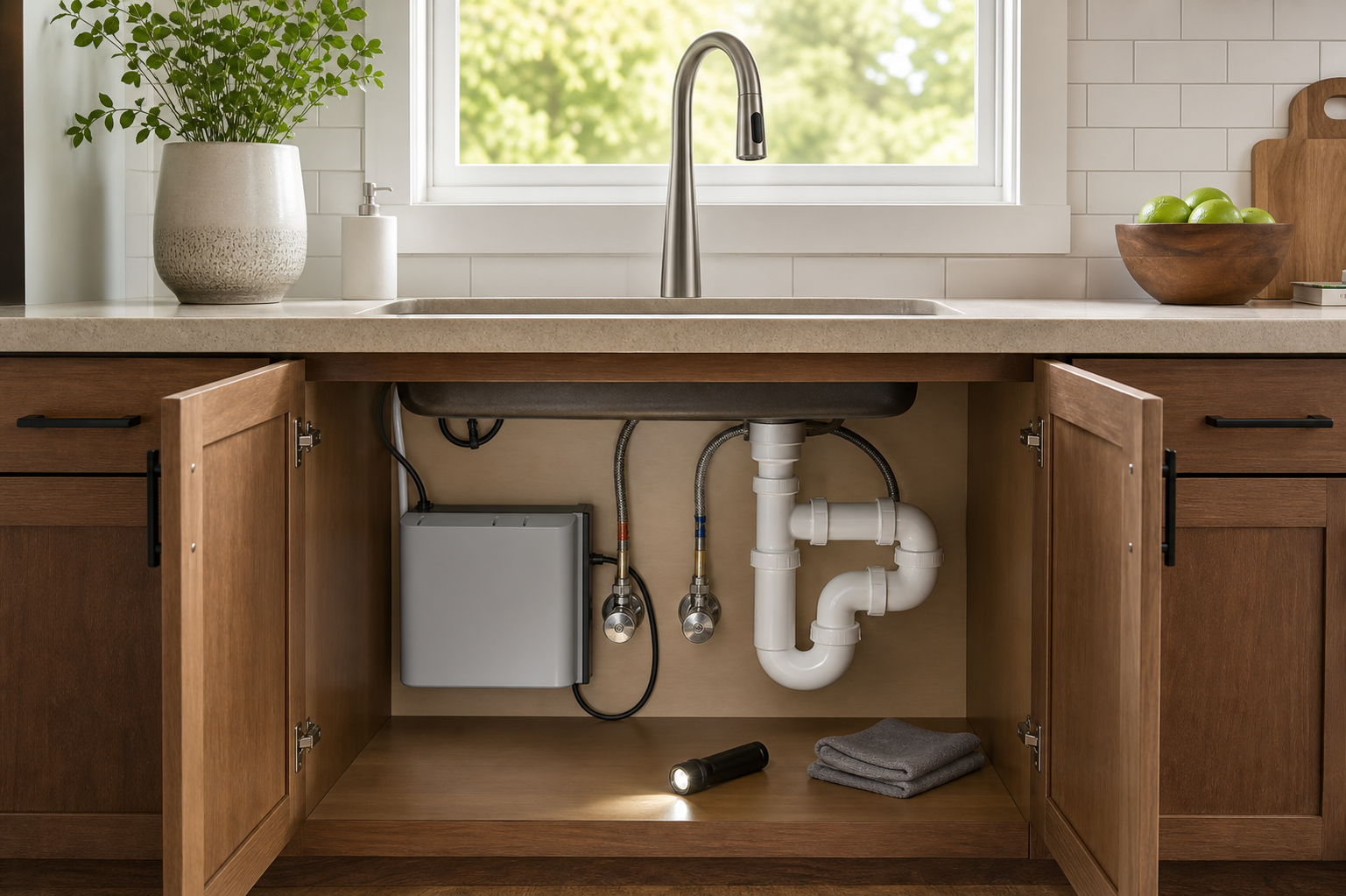
Find the battery holder under the sink and use the battery type specified for your particular Moen faucet. MotionSense models differ from Moen smart faucets, so identify the control box before buying batteries. Keep the cabinet and your hands dry; stop if the holder, cable or connections are wet, corroded or damaged.
Identify the system
Moen’s hands-free faucet identification guide distinguishes systems by installation period, control-box color, number of hoses and sensor arrangement. Its listed MotionSense dual-sensor and Wave versions use six AA alkaline batteries; its listed U by Moen smart faucet uses six D cells. These are examples, not a universal battery specification. Follow the instructions for your exact model and any replacement control box.
Change the batteries
- Turn the faucet handle off. Locate the separate battery holder beneath the sink; do not disconnect supply lines or open the control box.
- Open the holder cover as your model’s manual directs. Remove the old batteries and check the holder for corrosion or moisture. If either is present, stop and contact Moen rather than handling damaged components.
- Install a complete fresh set of the specified type, matching the polarity markings inside or on the cover. Close the cover securely.
- Let the faucet complete its startup, then test according to its manual. On the MotionSense Wave quick-start guide, Moen says water may run briefly during startup and specifies six non-rechargeable AA alkaline batteries for that version.
If it still does not work
Check that the batteries are oriented correctly and seated snugly. An AC-powered unit may use an adapter instead of batteries. If the light or sensor still behaves unexpectedly, use the correct model’s troubleshooting guide or contact Moen. Do not assume a manual handle works without power: Moen’s guidance differs by control system. Stop for a leak, damaged cable or wet electrical components and address the leak before further troubleshooting.